Features
Everything the job needs, safety included
Height safety reports and SWMS are built into Ropr, not bolted on. It is made by Abseil Pro, a working rope access company, so it covers the paperwork you actually do.
Built for the ropes
Height safety and SWMS, built in
Most job software leaves safety paperwork to other tools. Ropr keeps it with the job, because a working rope access company built it.
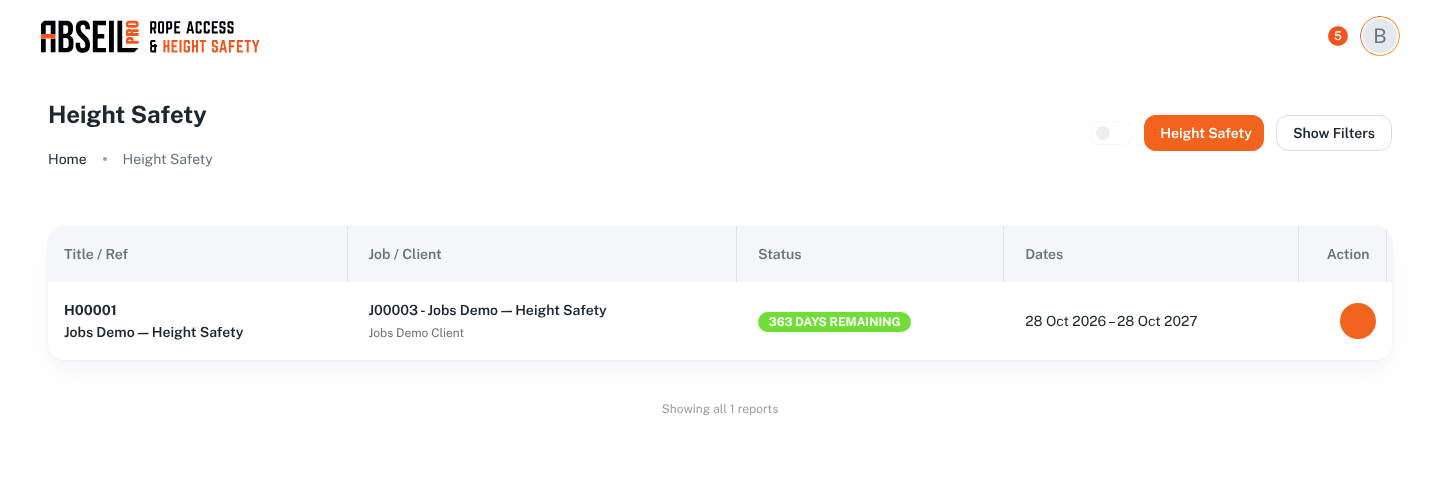
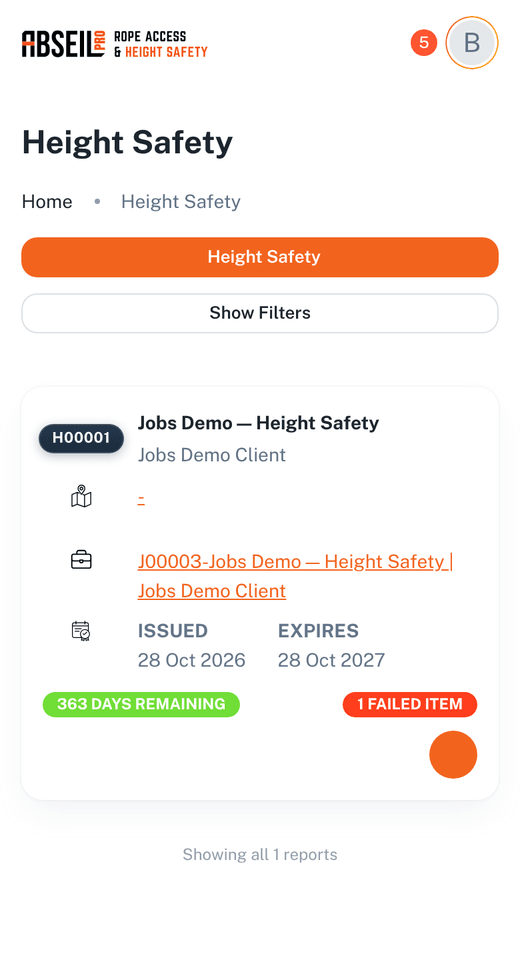
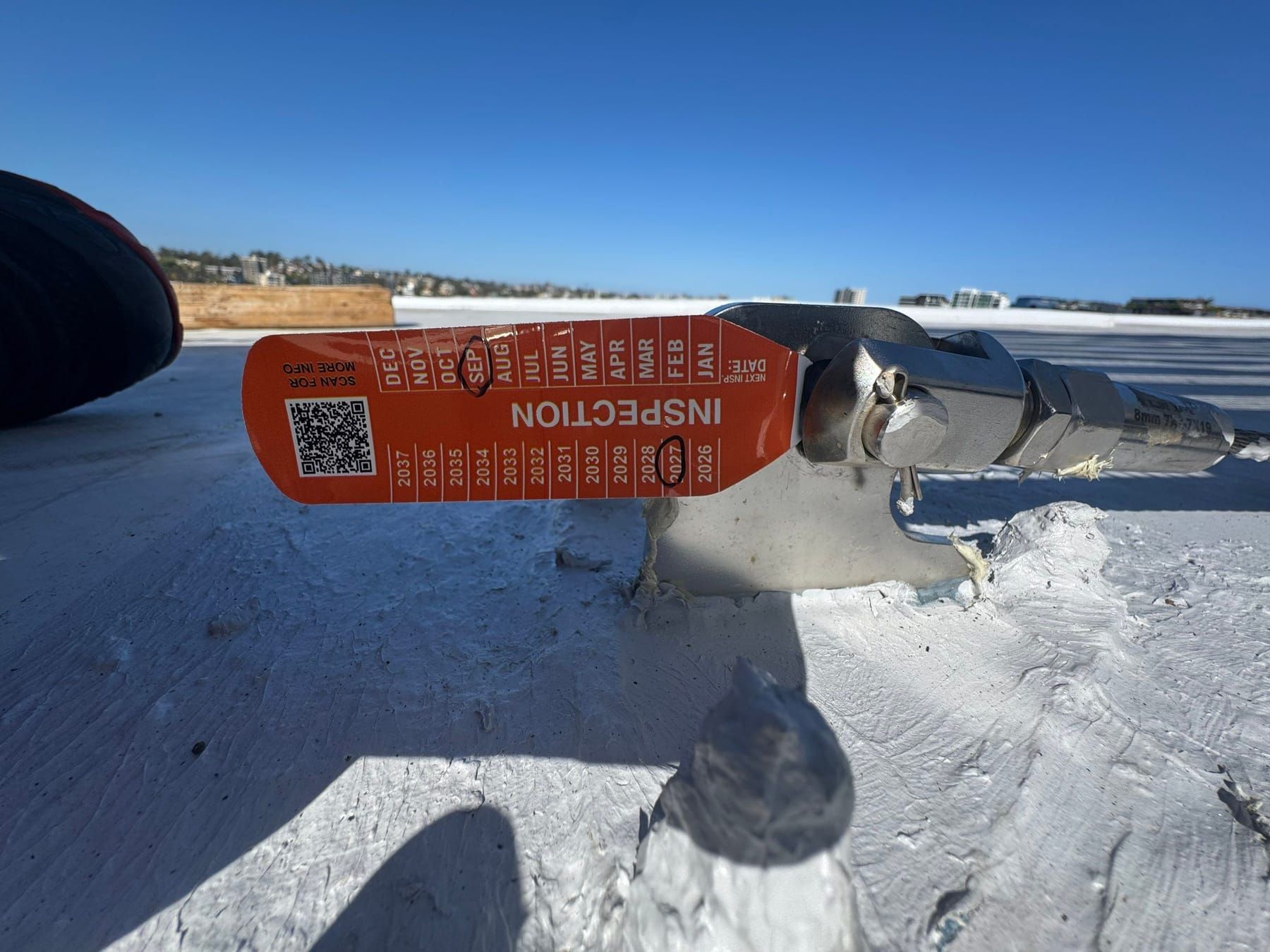
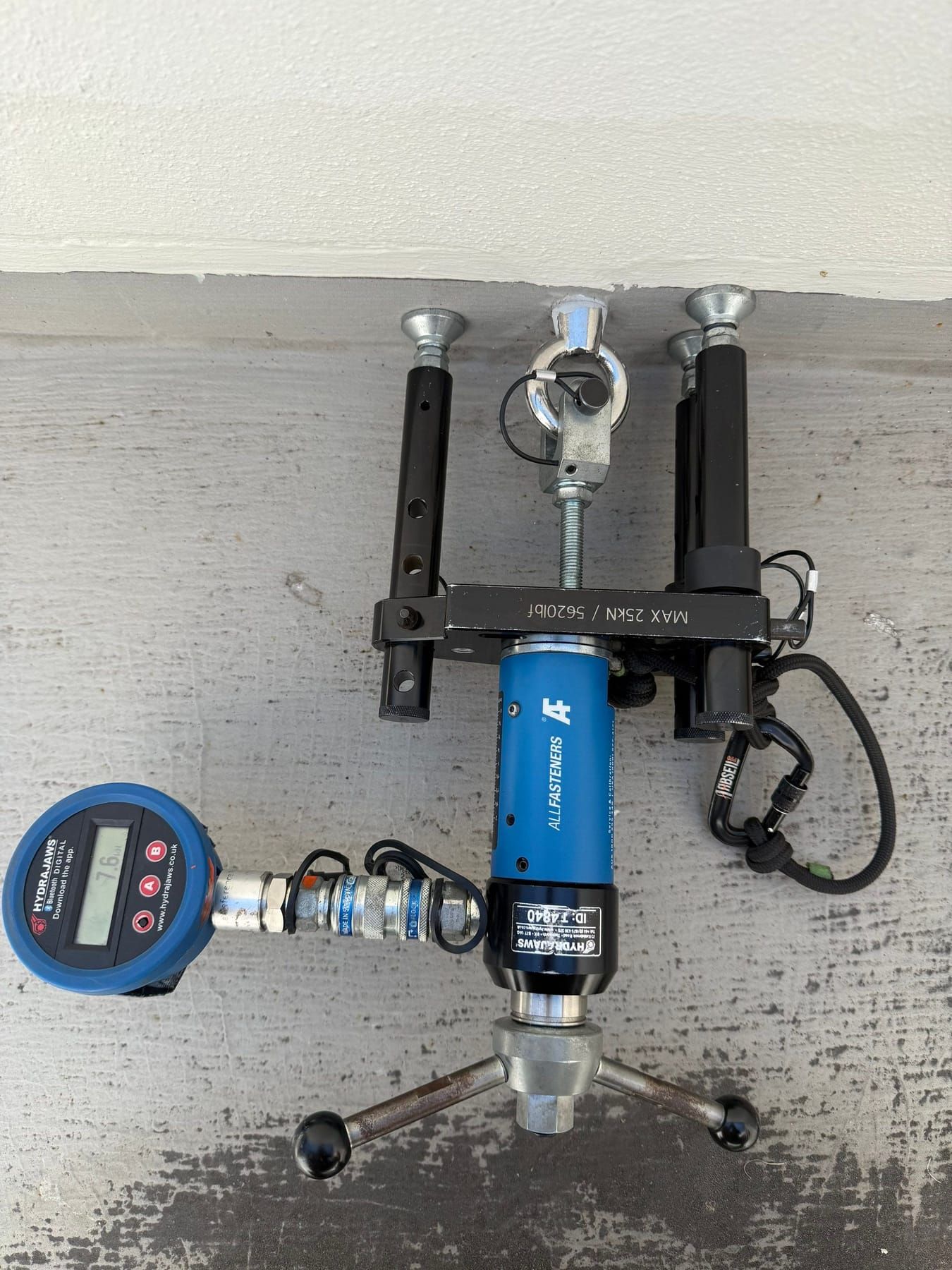
Height safety inspection reports and certificates
In every plan
Write the report on site, issue the certificate and keep the recertification date with the job.
SWMS and JSEA
Live in the app
Safe work method statements and job safety and environmental analyses, attached to the job they belong to.
Resident notices
Live in the app
Tell building residents when and where work is happening.
In every plan
Quote it, schedule it, run it
From the first quote to the final invoice, in one place.
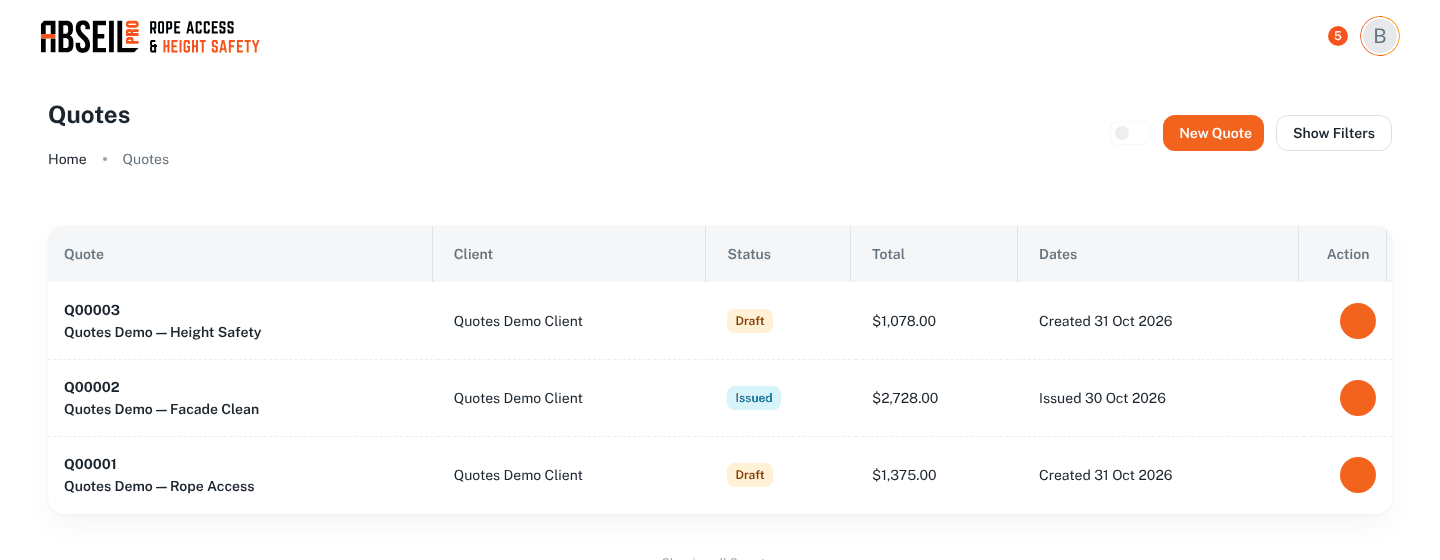
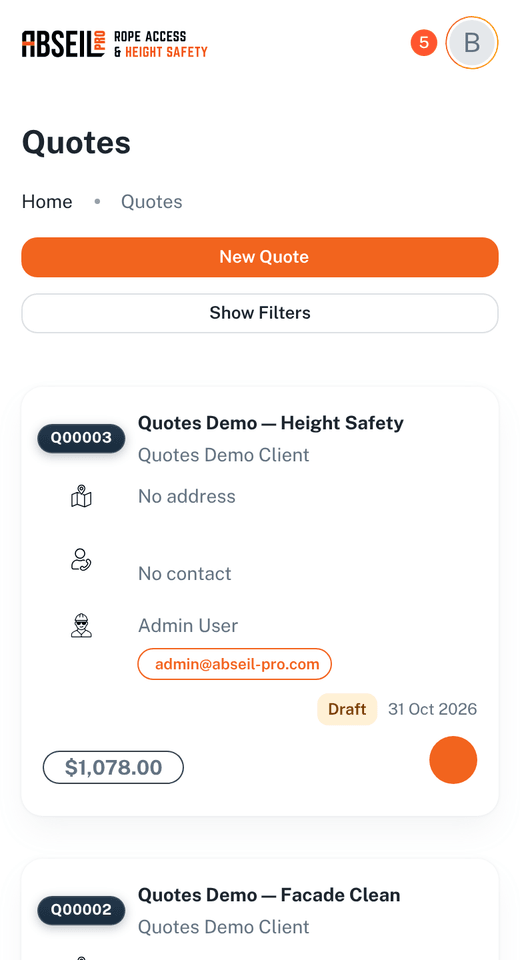
Quoting
In every plan
Quote from your own price list and turn the won quote into a job in one step.
Jobs and tasks
In every plan
Break a job into tasks and see what is done and what is next.
Scheduling and crew
In every plan
Put technicians on jobs and see who is where.
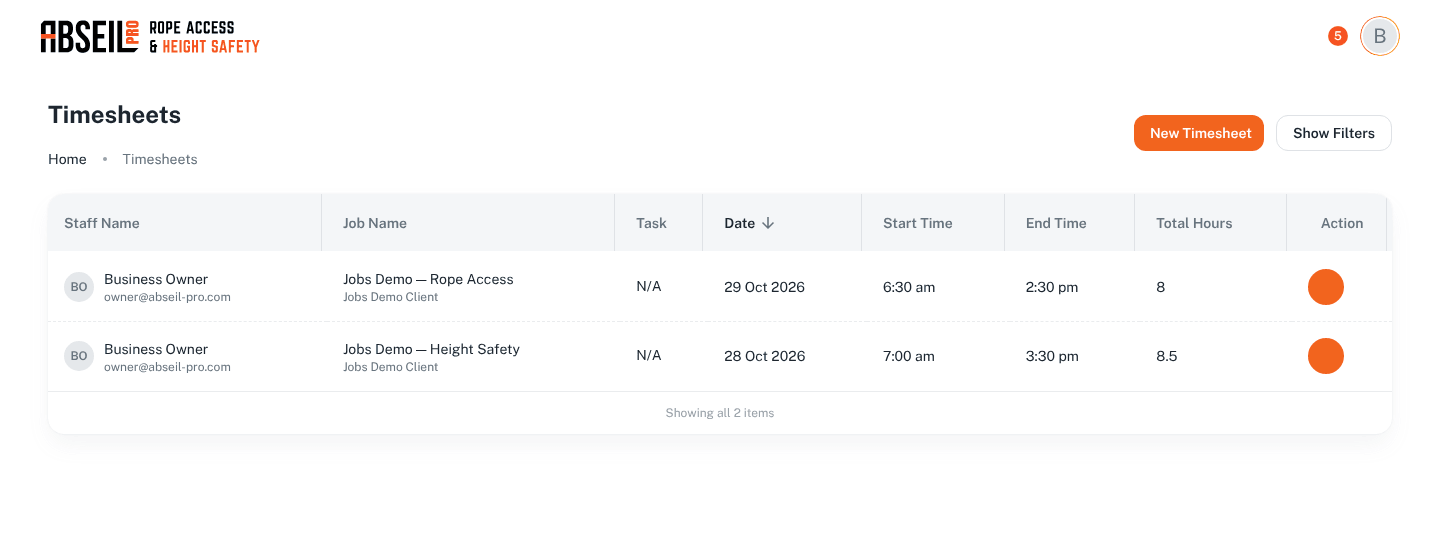
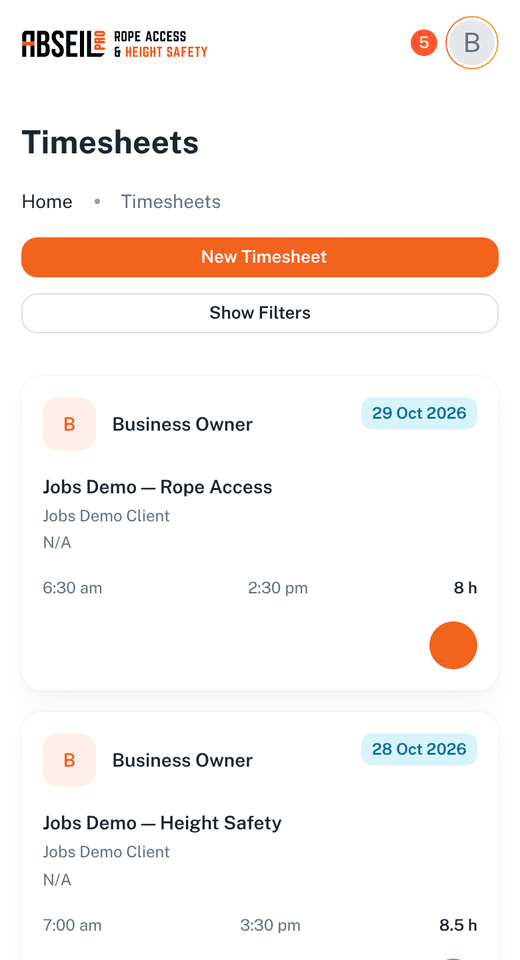
Timesheets
In every plan
Crew log their hours against the job.
Invoicing with Xero sync
In every plan
Invoice from the job and send it to Xero without keying it twice.
On site and with clients
Photos, reports and records
What happened on site, kept with the job and easy to share.
Daily reports
In every plan
A report for each day on the job.
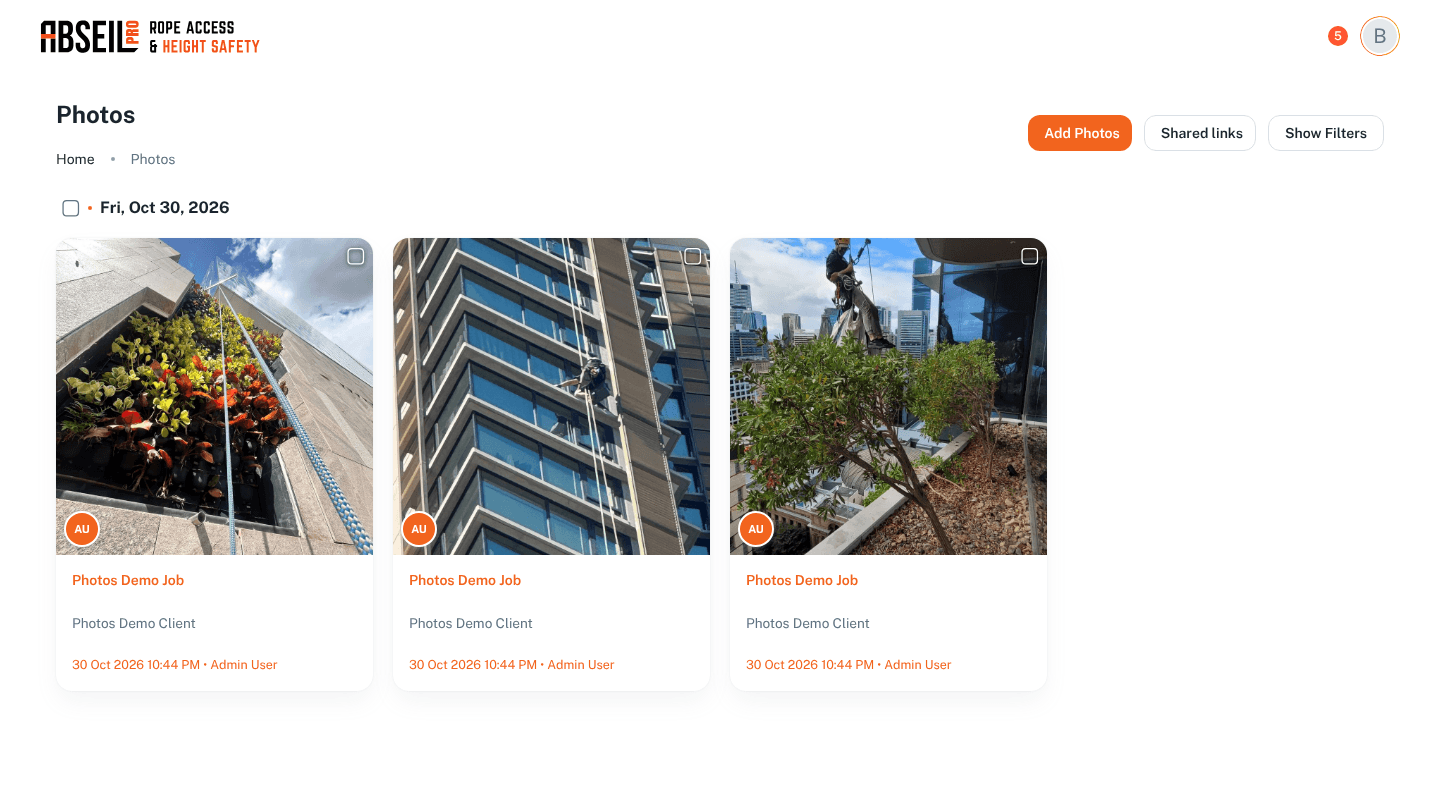
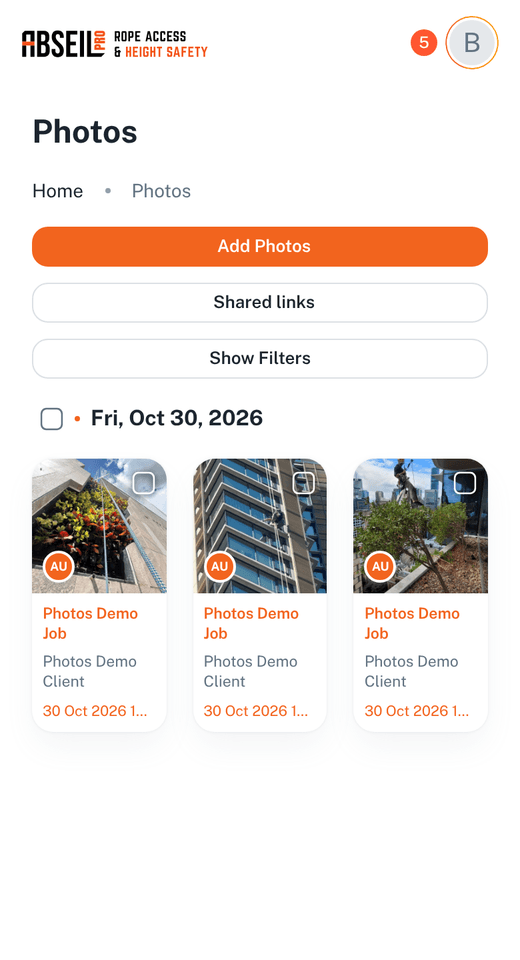
Photos
In every plan
Take photos on the phone and keep them with the job.
Photo reports and share links
Live in the app
Send a client a photo report or a share link, with no login needed on their side.
Documents
In every plan
Keep the paperwork for a job with the job.
Maps
Live in the app
See where the job is and get there.
Google Drive sync
Live in the app
Copy job photos and documents one way into the Drive folder your company picks. Ropr only touches files it creates there.
Mobile access
In every plan
Works in your phone's browser. There is no app store download and nothing to install.
Coming soon
AI agent
An AI agent to help with the admin is planned. It is not available yet.